

Centos6_Bonding配置:
1.禁用NetworkManager服务 

2.创建bonding设备的配置文件
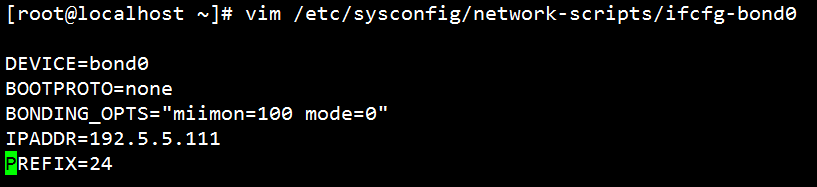
3.添加从属接口1

4.添加从属接口2

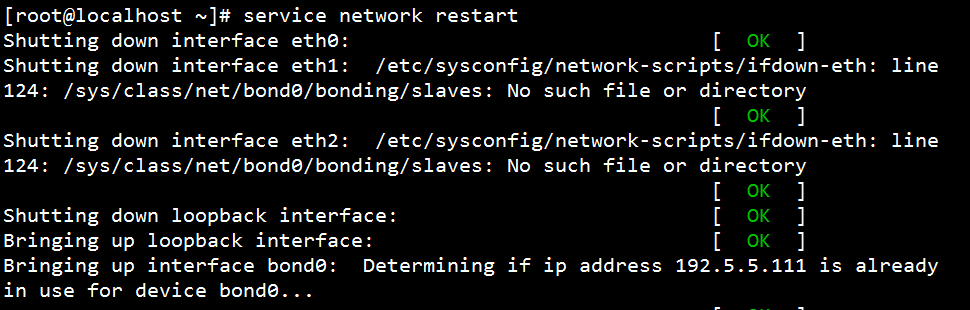
5.重启网卡服务
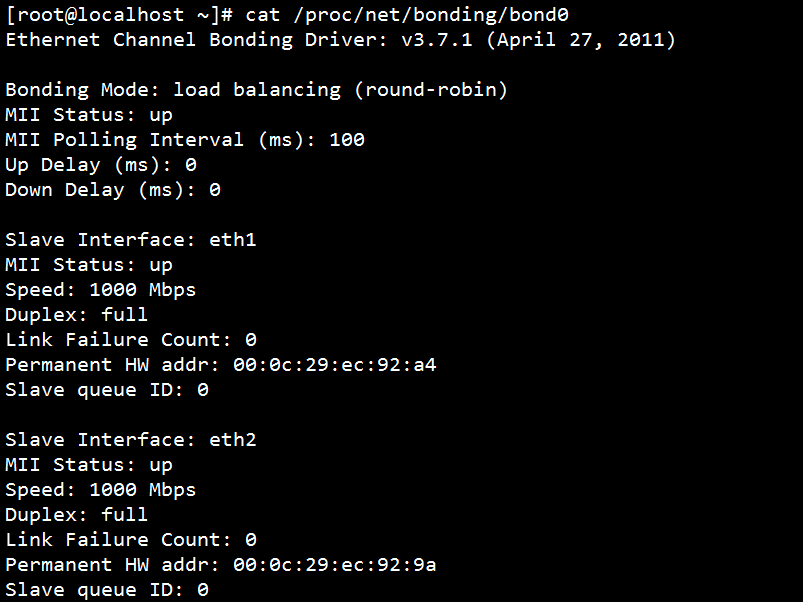
6.查看bond0状态
7.删除bond配置

Centos7_Bonding配置:
1.添加bonding接口

2.添加从属接口1

3.添加从属接口2

4.修改bonding接口IP

5.启动从属接口

6.启动bonding接口

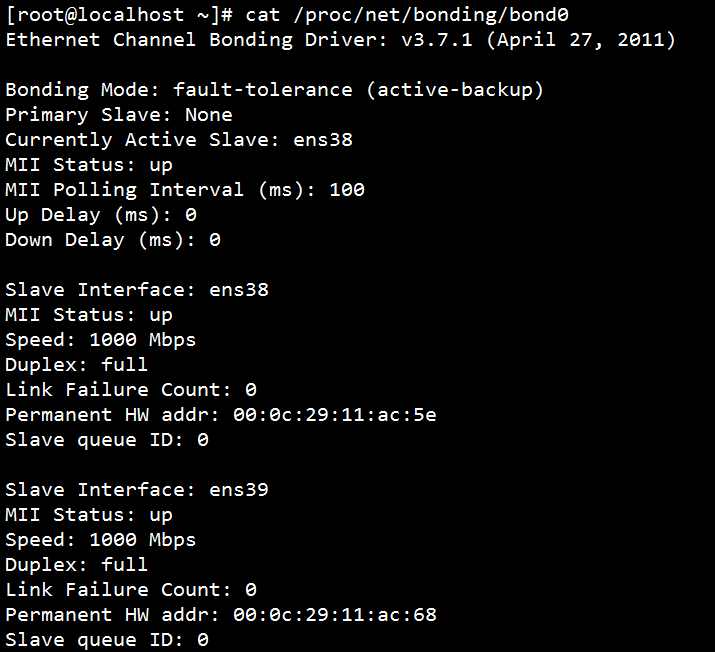
7.查看bond0状态
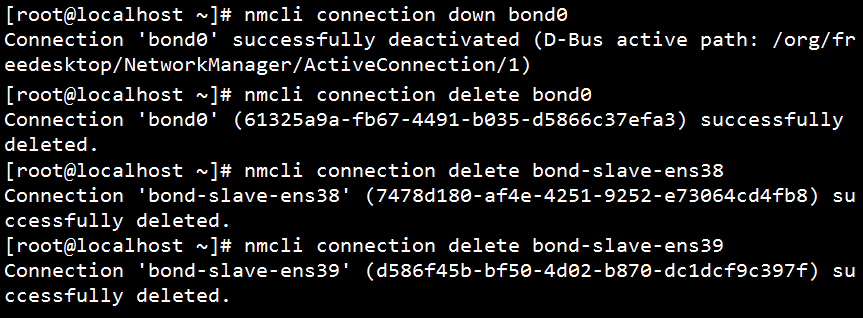
8.删除bond配置
Centos7_网络组配置
网络组:是将多个网卡聚合在一起方法,从而实现冗错和提高吞吐量;网络组不同于旧版中bonding技术,提供更好的性能和扩展性;网络组由内核驱动和teamd守护进程实现。
1.添加team接口

2.添加从属接口1

3.添加从属接口2

4.修改team接口IP

5.启动从属接口

6.启动bonding接口

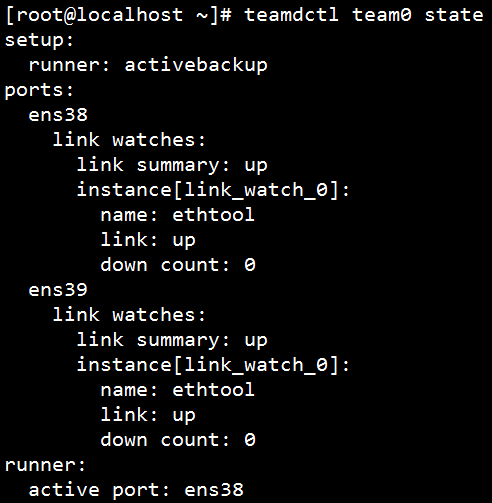
7.查看team0状态
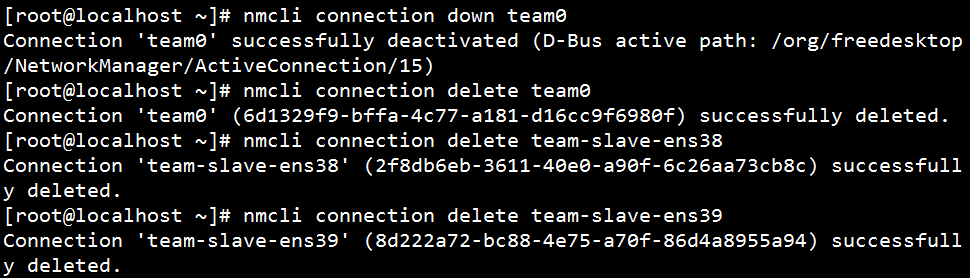
8.删除team配置
原创文章,作者:wangdongxu,如若转载,请注明出处:http://www.178linux.com/76097

